Kiddie Kredit on iPhone Duo
Kiddie Kredit 3.1 is made for iPhone Duo. Open it, stand it up or fold it shut, and the app changes shape to fit.


Two screens, side by side
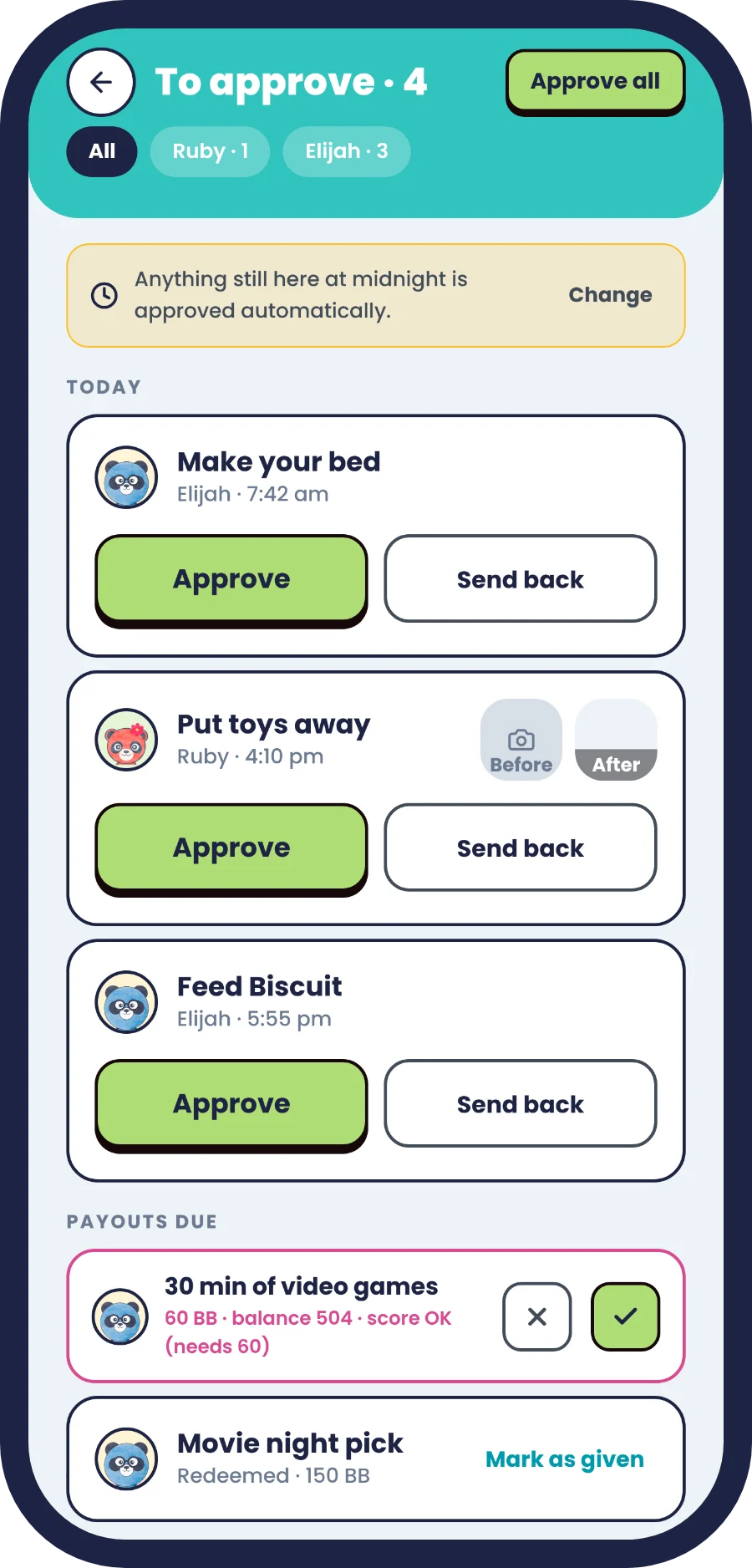
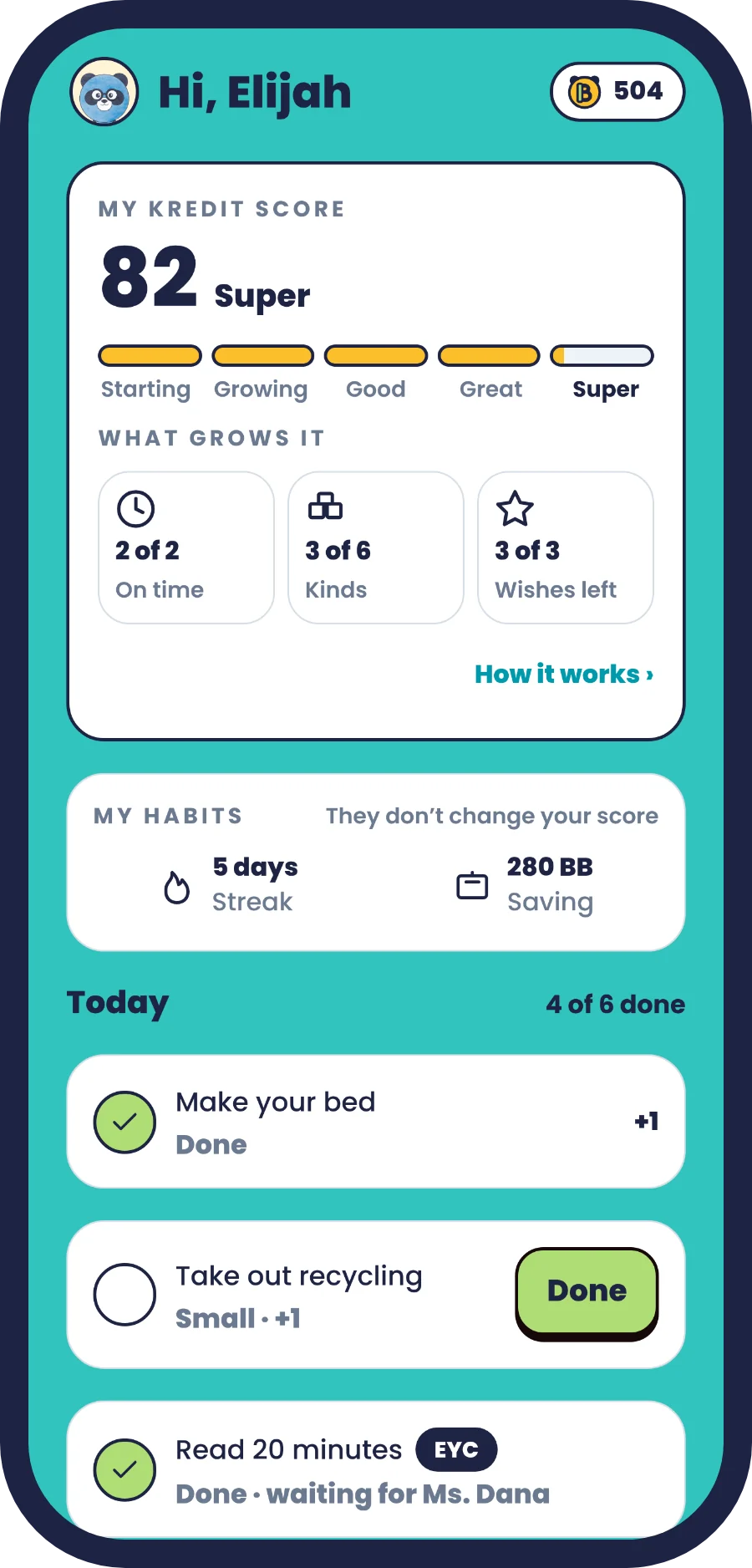
Open iPhone Duo like a book and every screen splits at the fold. Your list stays on one side, and whatever you open shows on the other: a chore, an approval, a child's score. Nothing sits on the hinge.

The Money Meeting, open like a book
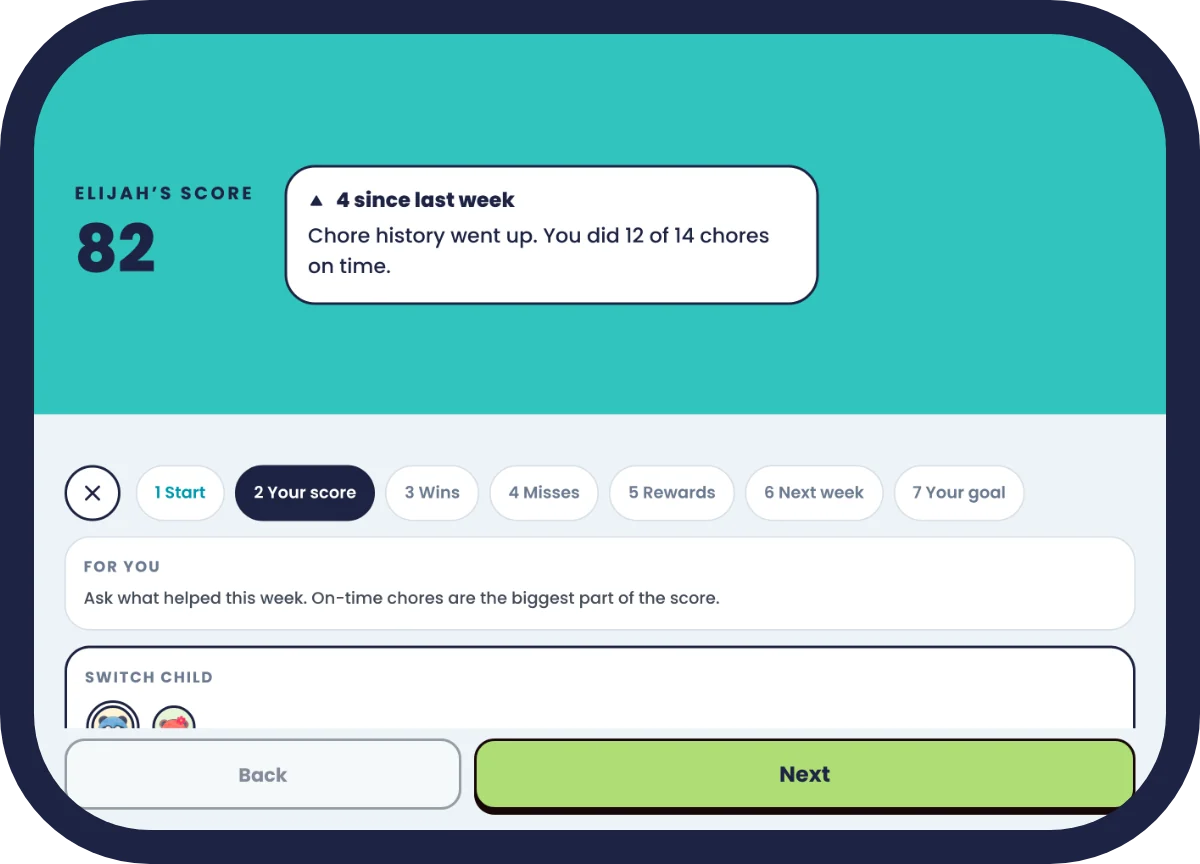
During the weekly Money Meeting, one screen shows your child big, simple words about their week, and the other gives you the guide: what to talk about and what comes next.

Stand it up like a laptop
Fold iPhone Duo halfway and stand it up. The top half shows what matters, like your kids' scores, and everything you tap is on the bottom half. In the Money Meeting, your child sees their Kredit Score on top while you lead from below.
Folded shut, still all there
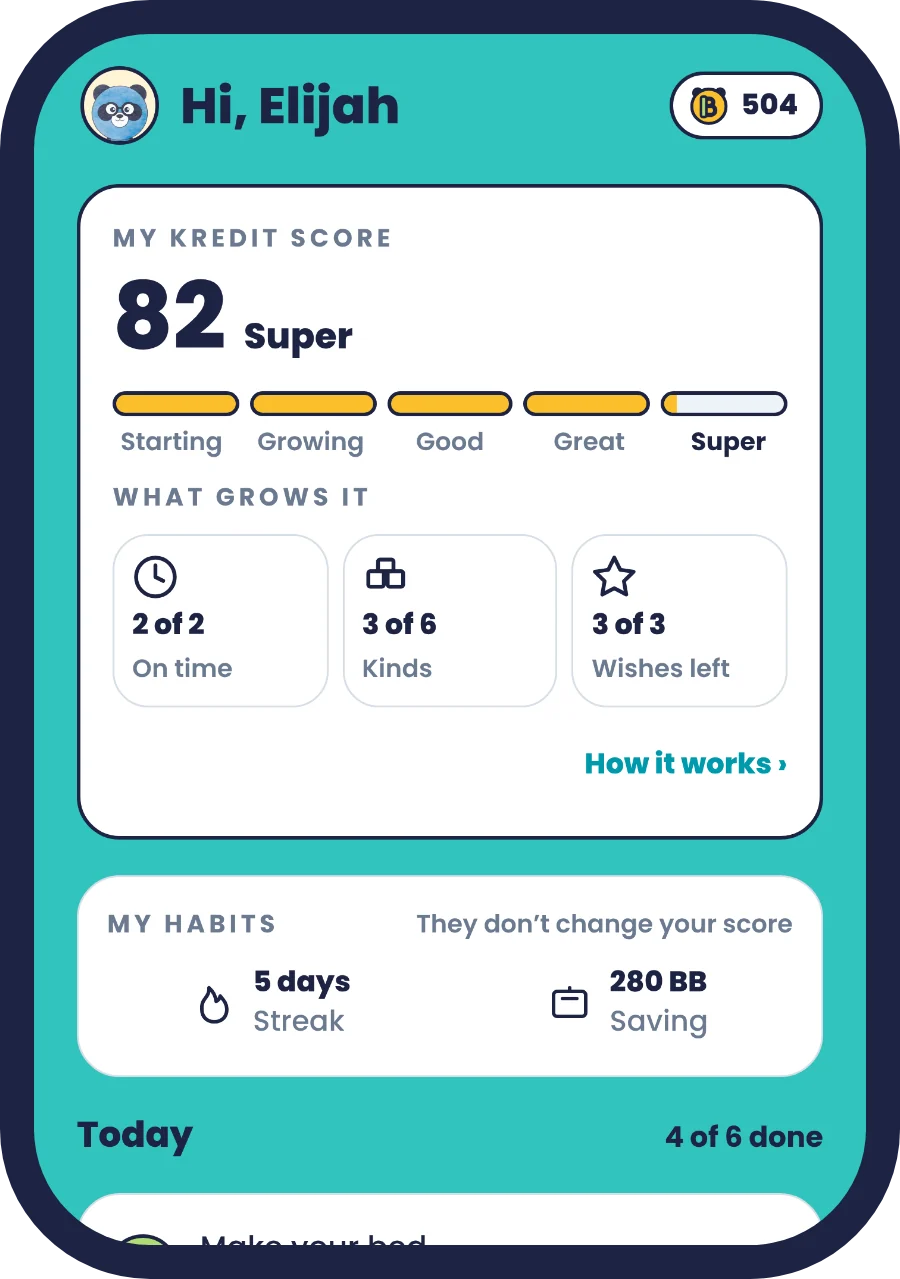
On the outer screen, the tabs move to the side, under the clock, so the whole screen is left for chores, Bamboo Bucks and the Kredit Score.
Works on every iPhone, iPad and Android
Kiddie Kredit works on every iPhone, iPad and Android phone or tablet, and Screen Time is on iPhone and iPad. On iPhone Duo, the layouts make the most of both screens. Kiddie Kredit is free to start, and Family Plus comes with a 7-day free trial.
Download Kiddie Kredit
On iPhone, iPad and Android. Free to start, and Family Plus comes with a 7-day free trial.